Images
Add images to your Tree Launcher pages and use dividers to break pages into clear sections, so your home screen stays organized and easy to scan.
Images
Embed images directly on your pages for visual reference.
Adding an Image
- Enter Edit Mode and tap +
- Select Image
- Tap to select an image, then choose Camera to take a new photo or Gallery to pick an existing one
- Crop the image, then choose how it displays — Full (the whole image at page width) or Banner (a shorter strip)
- Save
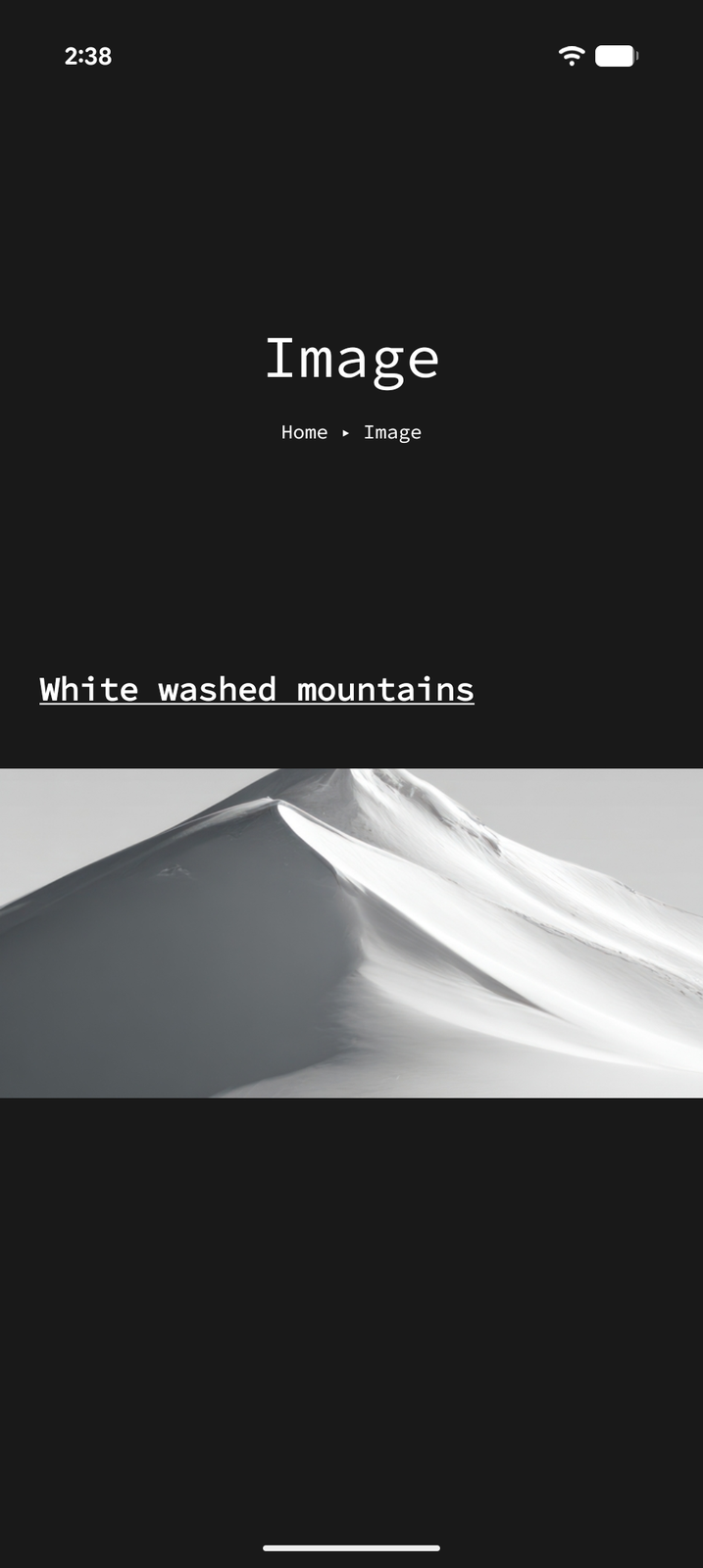
Images are displayed inline within your page content, allowing you to mix text, images, and other items freely. Tap an image to open it full-screen.
Dividers
Dividers are simple horizontal lines that visually separate sections of content on a page.
Adding a Divider
- Enter Edit Mode and tap +
- Select Divider
Dividers have no content or settings — they're purely visual separators to help organize your page layout.