AI Content
Generate structured content using AI — recipes, itineraries, outlines, and more.
What is AI Content Generation?
AI Content Generation is a Pro feature that uses AI to create structured content for your pages. Describe what you want, preview the result, edit it, and keep it — all without leaving Tree Launcher. It's labelled Experimental in the app and is focused on creating new content.
Using AI Content Generation
- Enter Edit Mode and tap +
- Select AI in the Create from section
- Type a description of what you want to generate and tap Generate
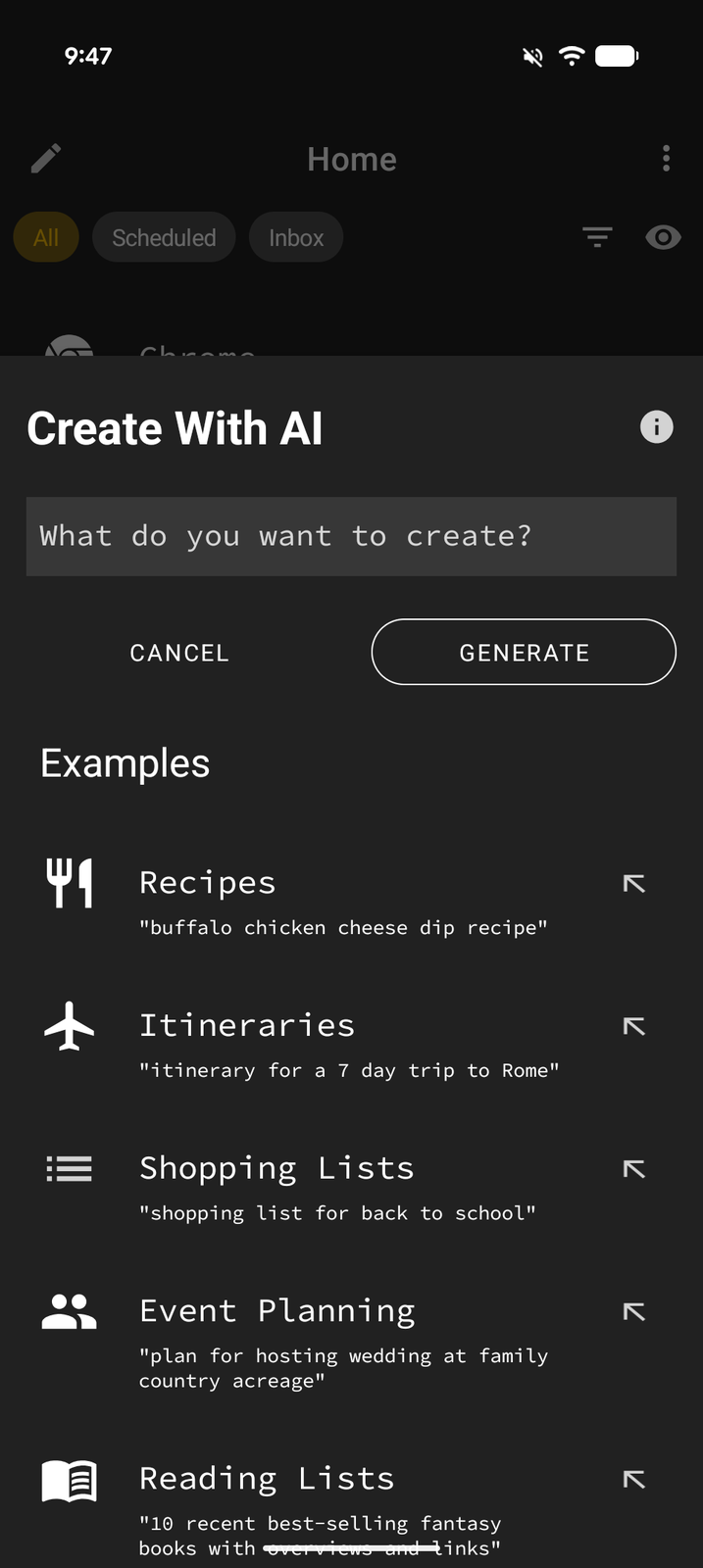
Examples of Prompts
- "A weekly meal plan with healthy recipes"
- "Packing list for a 5-day beach vacation"
- "Study guide outline for organic chemistry"
- "Project plan for building a garden shed"
- "30-day fitness challenge routine"
Prompts that ask to change, copy, or summarize content you already have aren't supported yet — describe something new to create instead.
Preview and Edit
After generating content, the Content Preview sheet opens:
- Review the generated content in the preview area
- Make any edits or adjustments
- Tap Keep to add the content to your page
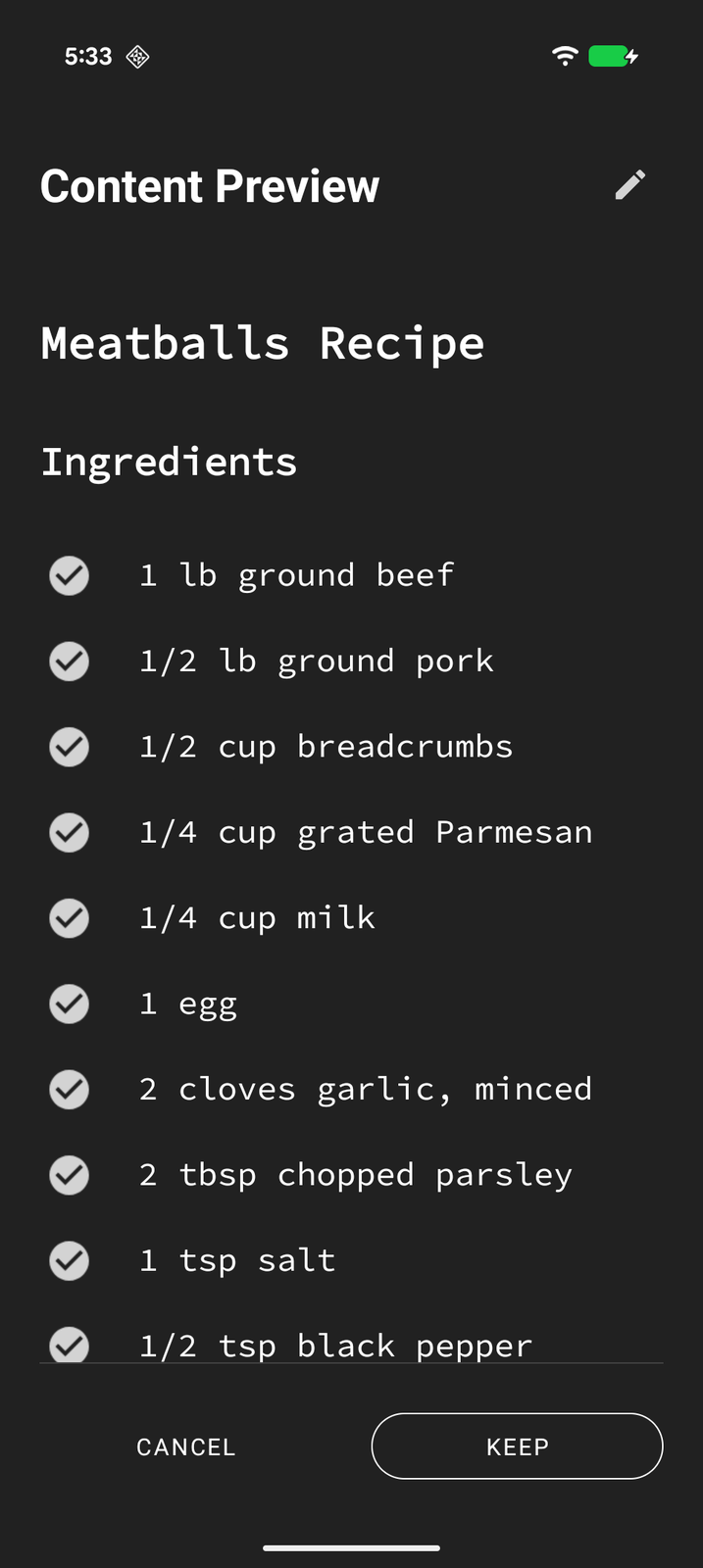
The AI generates structured content with headings, lists, and organized sections that fit naturally into Tree Launcher's page format.
Tips
- Be specific in your prompts for better results
- Include details like quantities, timeframes, or preferences
- Use the preview to verify the content before keeping it
- If the result isn't quite right, tap Refine in the preview and describe what you'd like changed